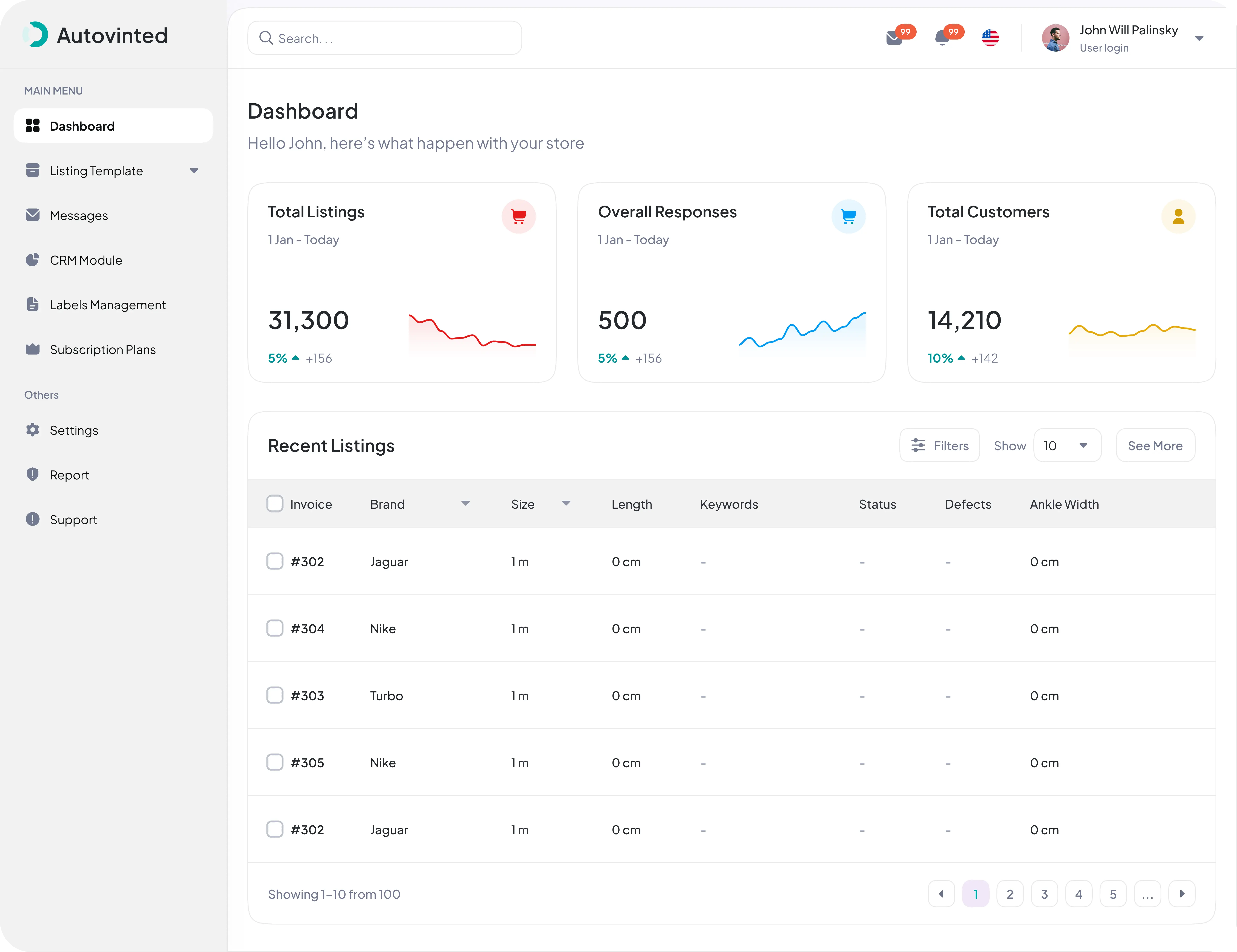
Overview
AutoVinted (Vinted Seller Automation) is a client project: a full-stack SaaS platform + Chrome extension that automates product listing for resellers on the Vinted second-hand marketplace. Power-sellers list dozens to hundreds of items, and Vinted offers no bulk-upload tool and no official public API — so every listing normally means filling the same form (title, description, price, category, brand, size, color, condition, photos) by hand.
AutoVinted turns that into a spreadsheet-and-click workflow. It is built as two independent apps that talk over a JWT-authenticated REST API:
- a Next.js 16 + React 19 dashboard where sellers prepare and manage listings in bulk, and
- a Chrome Manifest V3 extension that publishes those listings to Vinted automatically — with browser form automation across 24 Vinted regional domains.
One principle drives the whole design
The dashboard is the single source of truth (all business logic + data), and the extension is a pure API consumer that never touches the database. This keeps the backend completely client-agnostic — the extension is the first client today, but a mobile app or CLI tomorrow could reuse the exact same REST API with zero backend changes.
1 · The Dashboard (Web App)
The dashboard is where sellers do all their preparation work — built on the Next.js 16 App Router with a clean, layered backend.
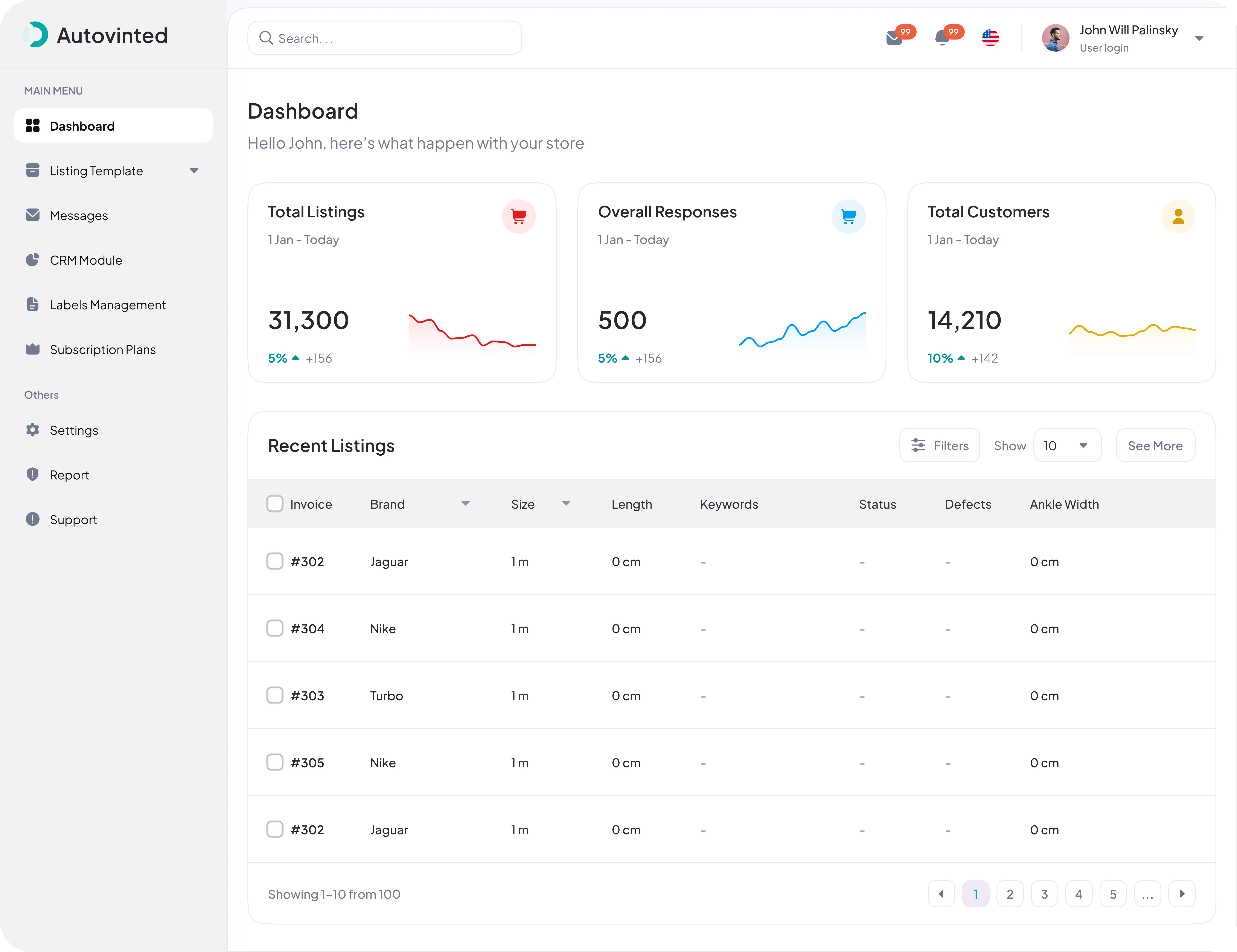
The dashboard home: linked Vinted accounts, subscription plan, and account status at a glance.
1.1 Bulk Listing with the Spreadsheet Editor
The centerpiece of the dashboard is an Excel-like spreadsheet editor (ReactGrid) that turns "list 100 items" from hours into minutes.
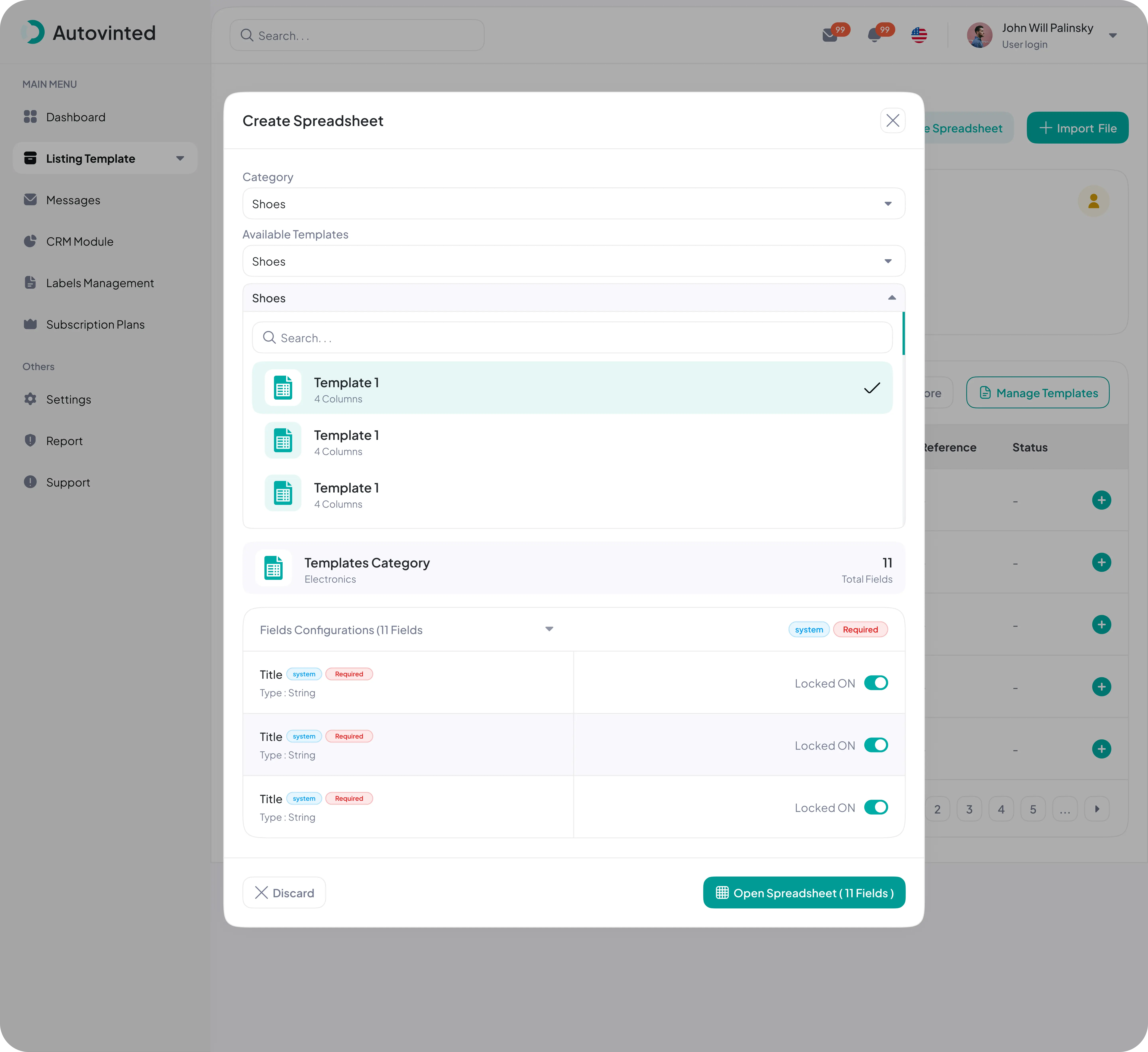
Creating a spreadsheet — pick a category and template, then the fields (system / required) are configured from Vinted's schema before the grid opens.
- Typed cells — text, number, dropdown, and checkbox columns.
- Backend-driven dropdowns — real Vinted brands, colors, sizes, and conditions.
- Cell-level validation — spreadsheet cells are validated before listings can be published.
- Auto-saving drafts — in-progress bulk listings are persisted continuously and never duplicated.
- Bulk import/export — spreadsheet workflows for preparing and exporting listings.
- Photo upload per row — including folder / zip import via ExcelJS + JSZip.
1.2 Listings Management
Once created, every listing lives in a TanStack-powered table with full row and bulk actions.
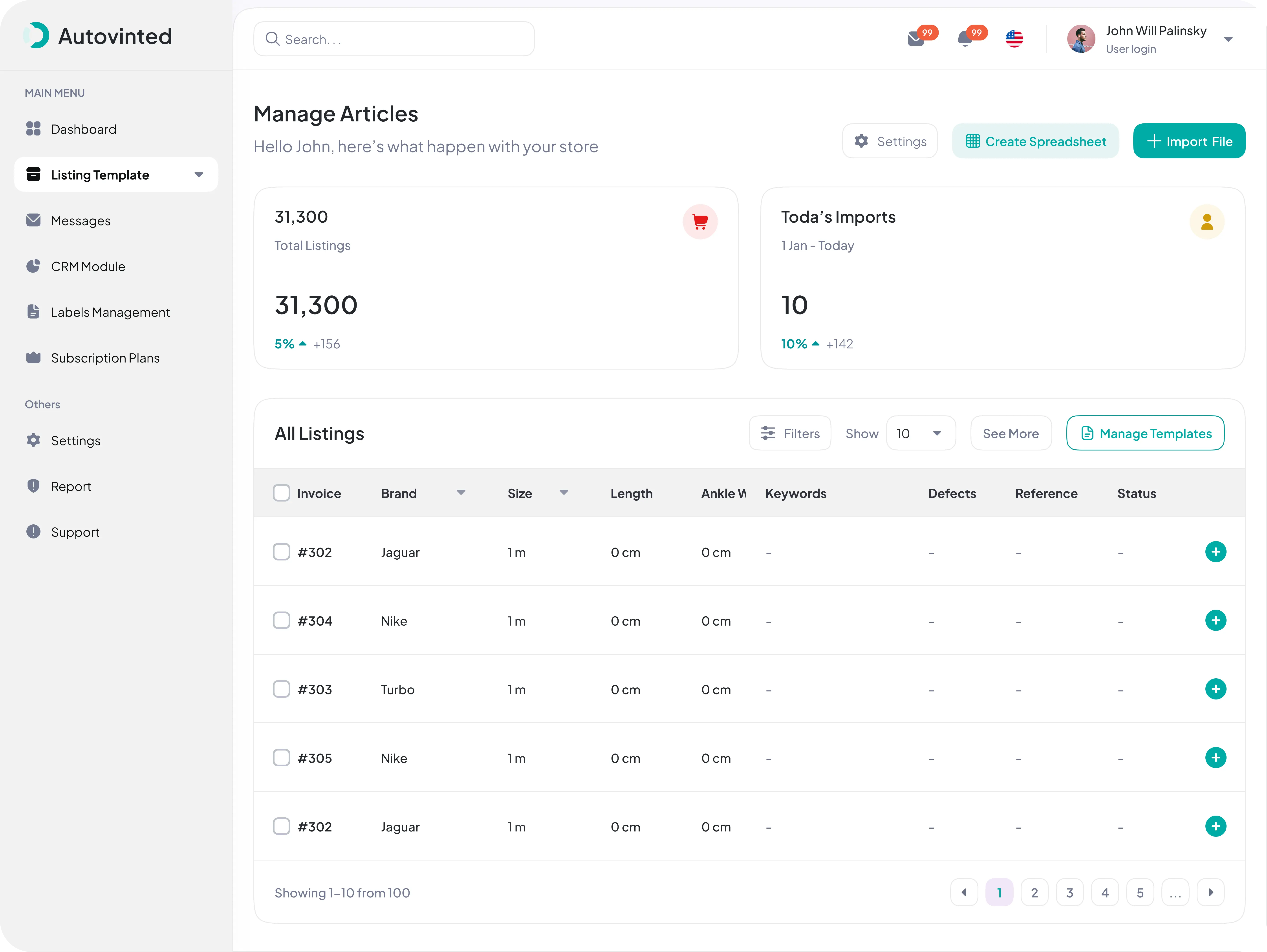
Listings table — publish, repost, duplicate, edit price, or delete, individually or in bulk.
Listings carry a full status lifecycle (draft → ready → published → archived), a repost/relist history, and a photo editor (crop, rotate, delete, reorder) backed by Cloudinary storage with metadata.
1.3 Layered Backend
Business logic never lives in route handlers or UI — it lives in domain services, so the same logic powers both the web UI and the extension's API.
auth
Users, libsodium-encrypted credentials, Vinted account linking, JWT issuing & refresh.
listings
Listing CRUD, bulk ops, repost history, and Vinted wardrobe sync.
catalog
Vinted category tree + attribute definitions + reference data (brands, colors, conditions, size groups).
templates & spreadsheet
Versioned per-category templates, plus spreadsheet drafts, row validation, and draft → listing conversion.
2 · The Chrome Extension
A Manifest V3 extension injects a floating React panel (rendered inside a Shadow DOM) onto Vinted pages and automates the listing process, using Zustand for state management. This is the technically hardest part of the project.
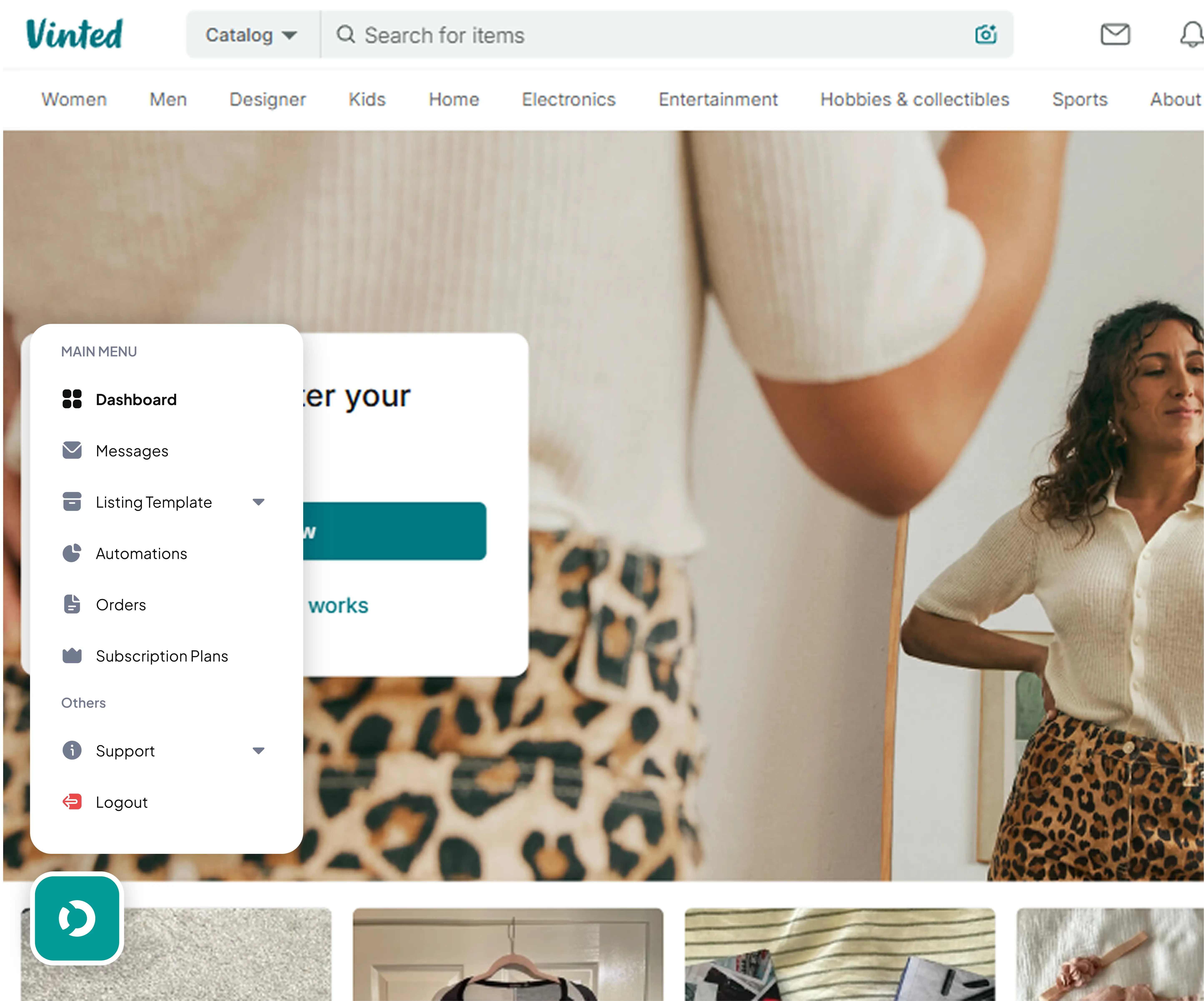
The extension's floating Shadow-DOM panel, running directly on a live Vinted page.
2.1 Three Build Targets
Chrome MV3 runs code in three isolated JavaScript contexts, so Vite builds three separate bundles:
| Target | Runs in | Job |
|---|---|---|
| background | Service worker | Message router; makes all dashboard API calls; downloads photos CORS-safely |
| content | Isolated world | Renders the React UI and drives Vinted's DOM/form |
| ddInterceptor | MAIN world, document_start | DataDome challenge interception in the page context; loads before Vinted's scripts |
The core design constraint
The background context may never call Vinted (CORS), and the content context
may never call the dashboard (CORS). The content script always relays through
the background via chrome.runtime.sendMessage. This CORS boundary shapes the
entire extension.
2.2 The 12-Step Automated Publish Flow
The 12-step pipeline combines form automation, CORS-safe photo transfer, real-time publish callbacks, and comprehensive error handling.
Prepare & navigate
The DataDome challenge interceptor initializes first, then the extension fetches the listing data from the dashboard API and navigates to Vinted's listing form.
Fill & build the draft
It fills system fields (title, description, price), selects the category from Vinted's catalog, fills dynamic attributes (brand, size, color, condition, material…), and creates the draft on Vinted.
Upload, submit & report back
Photos are downloaded via the background worker (CORS-safe) and uploaded to
the draft, the listing is submitted, the published item ID + URL are
extracted, and the result is reported to the dashboard (mark-published).
2.3 Repost & Relist
Beyond first-time publishing, the extension can repost existing items to bump them back to the top of Vinted's search — with photo and title modifications and a full repost history.
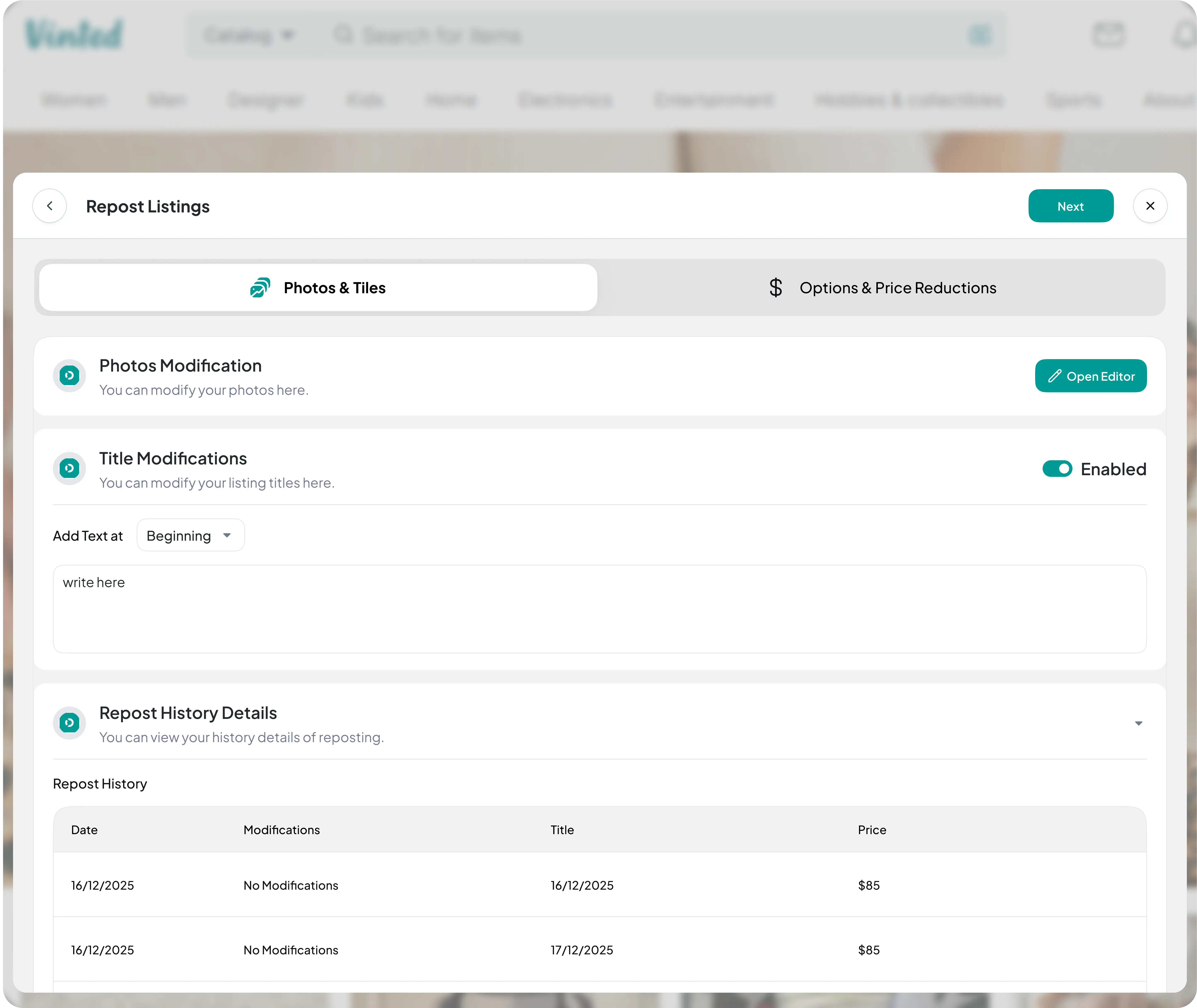
The extension's Repost panel — modify photos and titles, apply price reductions, and review the repost history, all on the live Vinted page.
2.4 Browser Session and Form Handling
The project documentation describes a modules/vintedSession/ module with the following browser-session behavior:
- DataDome challenge interception and response in the MAIN world.
- Synthetic but human-realistic mouse, keyboard, scroll, and click simulation.
- Relay telemetry events matching Vinted's expected behavioral patterns.
- Randomized human-like delays between every action, and CSRF token extraction.
- Per-domain dynamic DataDome endpoint resolution (24 regional domains).
All of this is deliberately isolated inside modules/vintedSession/ so changes to browser-session handling remain localized.
3 · The Design (Figma)
The entire product was designed in Figma before implementation — covering the auth flows, the dashboard, the listing/spreadsheet section, the extension UI, and a shared design system.
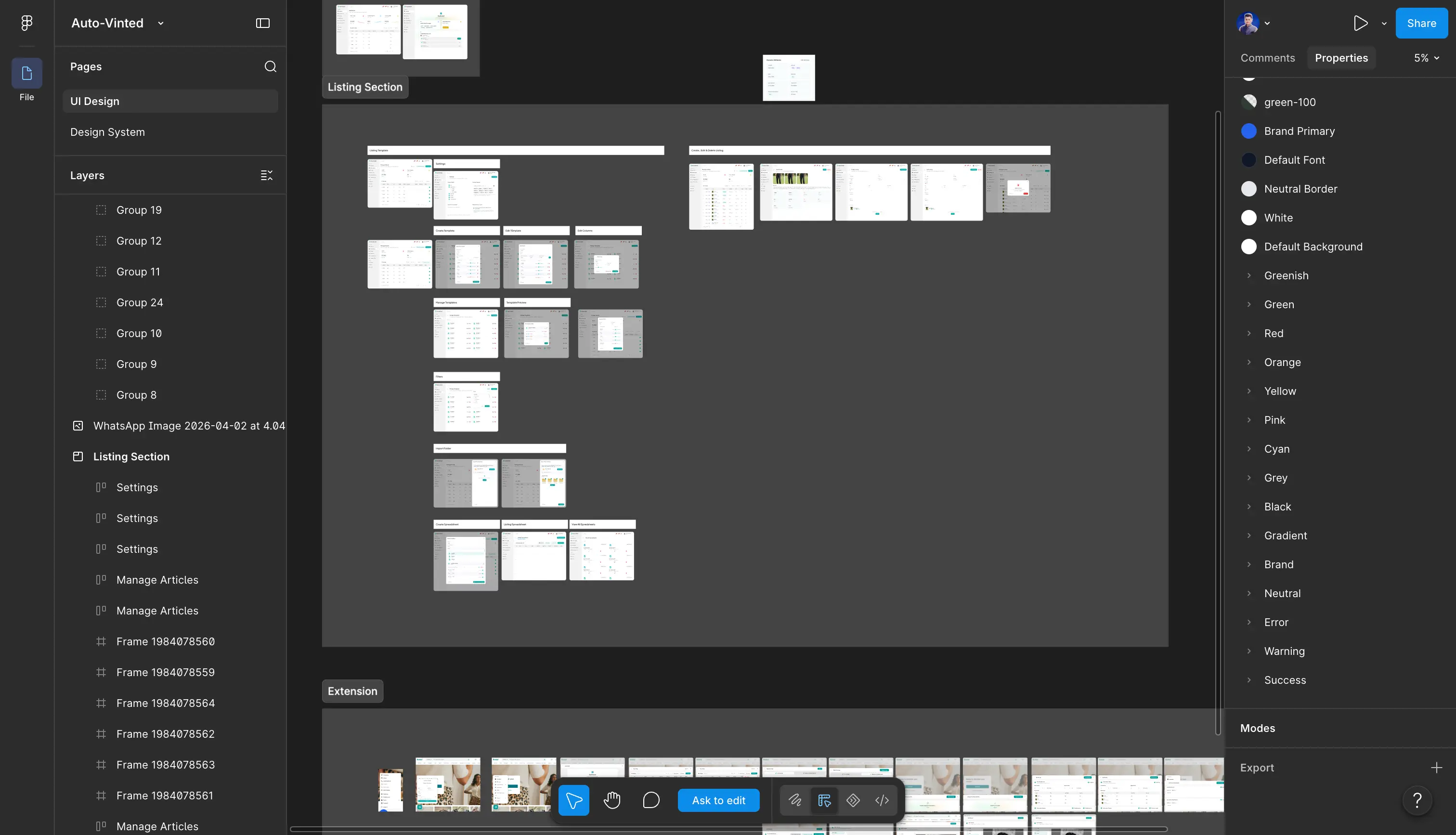
The AutoVinted Figma file — auth, dashboard, listing section, extension, and design system.
The design system defines the shared visual language — the teal Autovinted brand, typography, spacing, and reusable components — so the dashboard and the extension feel like one product across two very different runtimes (a full web app vs. a Shadow-DOM overlay on someone else's page).
System Architecture
Technology Stack
Dashboard (Web App)
Next.js 16 (App Router, Server Actions), React 19, TypeScript 5, Tailwind CSS 4, shadcn/ui, Zustand, React Hook Form, and Zod.
Backend & Data
MongoDB via Mongoose, JWT (jose / jsonwebtoken) in HTTP-only cookies, bcrypt, Cloudinary media, and libsodium-encrypted credential storage.
Chrome Extension
Chrome Manifest V3 (service worker + content scripts), React 19 in a Shadow DOM overlay, TypeScript 5.9 (strict), Vite 8, Zustand, and Zod.
Spreadsheet & I/O
@silevis/reactgrid (spreadsheet editor), TanStack Table, ExcelJS, and JSZip for photo folder / zip import.
Project Structure
Frequently Asked Questions
See it in action
Explore the seller dashboard at the Live Application to see the bulk spreadsheet editor, listings management, and multi-account workflow.