Overview
ConnectMe is a MERN-stack social network focused on professional identity — think a LinkedIn-style feed, connections, and profiles, rebuilt end-to-end. The app is split into two independently deployable packages: a React SPA (client/) built on Vite, and an Express REST API (server/) backed by MongoDB. They never share a runtime — every interaction between them goes through a versioned HTTP boundary.
Authentication is JWT-based via an HTTP-only cookie rather than a bearer token in local storage, media (profile pictures, cover pictures, post images) is uploaded as base64 and pushed to Cloudinary from the server, and transactional emails run through Mailtrap.
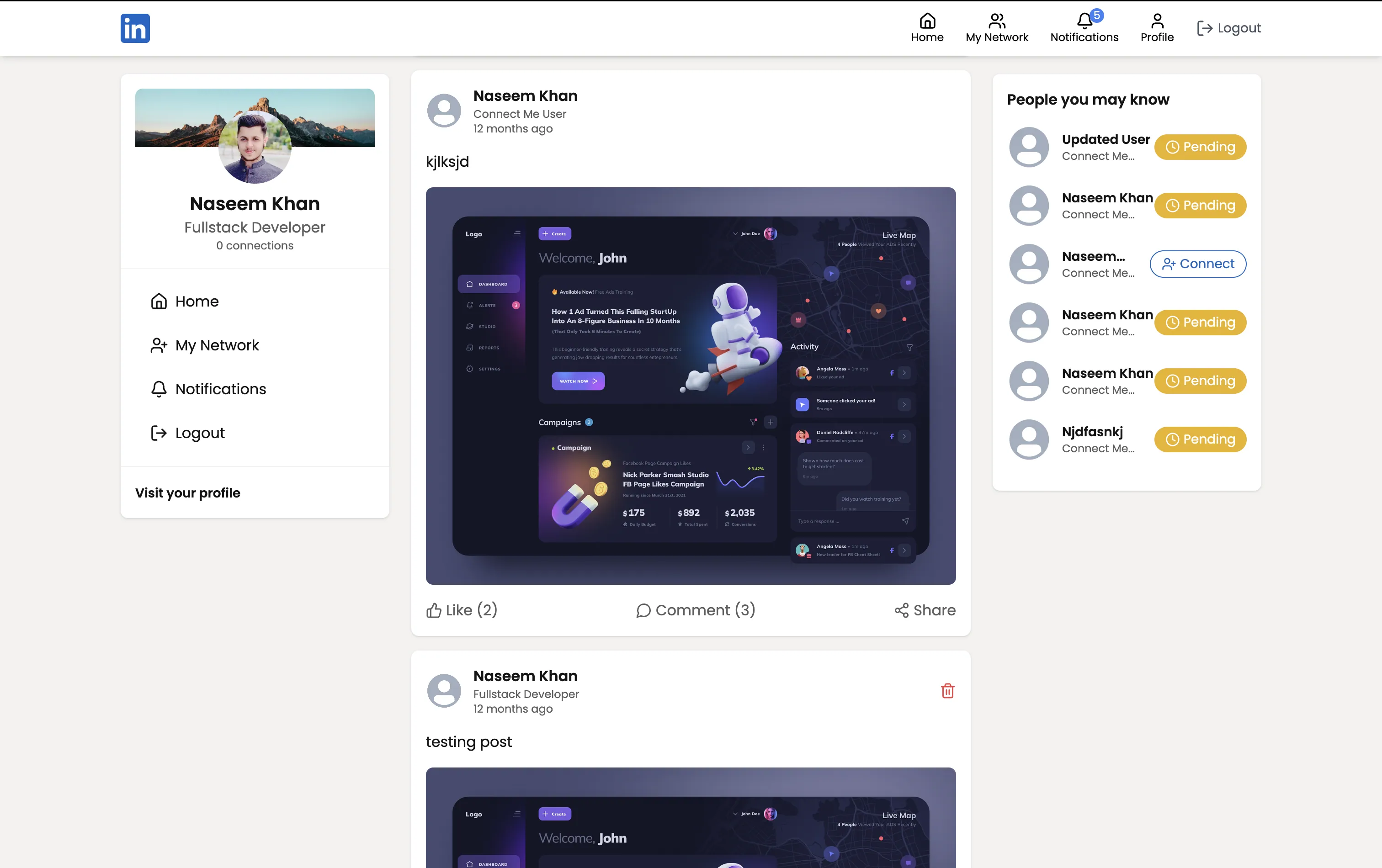
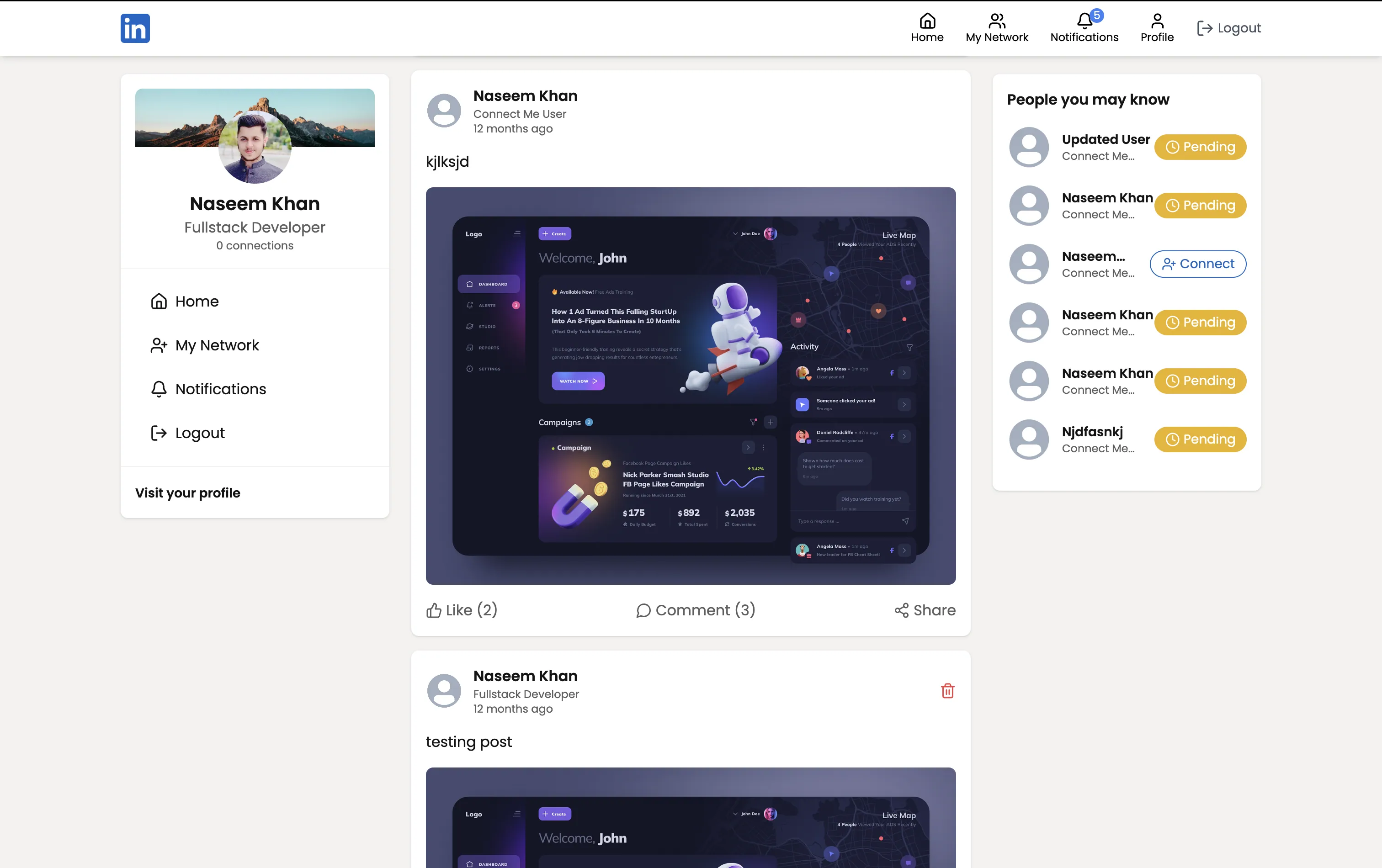
The ConnectMe feed — posts from the user's network, with profile and suggested-connections context in the sidebar.
Cookies over tokens-in-localStorage
The JWT never touches client-side JavaScript. It's signed server-side by
generateToken, set as an httpOnly (and, in production, secure /
sameSite=None) cookie, and sent automatically by the browser on every
request because the client's axiosInstance is configured with
withCredentials: true. This closes off the most common XSS token-theft
vector, at the cost of the server having to get CORS + cookie attributes
exactly right across two separate Vercel deployments.
Tech Stack
- React 18 — UI library
- Vite 6 (via
@vitejs/plugin-react-swc) — dev server & bundler - React Router DOM 7 — client-side routing
- TanStack Query v5 — server state, caching, mutations
- Axios — HTTP client (
withCredentialsfor cookie auth) - Tailwind CSS 3 + daisyUI — styling and component primitives
- lucide-react — icon set
- react-hot-toast — toast notifications
- date-fns — date formatting
- Node.js + Express 4 — REST API framework
- MongoDB + Mongoose 8 — database & ODM
- jsonwebtoken — auth tokens
- bcrypt — password hashing
- cookie-parser — cookie parsing
- cors — cross-origin support with credentials
- Zod — request body validation
- Cloudinary — image hosting
- Mailtrap — transactional email delivery
- dotenv — env management
- nodemon — dev auto-reload
- ESLint 9 on the client
- pnpm — package manager (both packages ship their own
pnpm-lock.yaml) - Vercel — deployment target (both packages ship their own
vercel.json)
Feature Breakdown
Authentication
Zod-validated register/login, JWT stored in an HTTP-only cookie, automatic
session restore on load via GET /users/user/auth-user, and a welcome
email on signup.
Profiles
Public profile pages at /profile/:username with editable header, about,
skills, experience, and education sections, plus Cloudinary-backed
profile/cover image uploads.
Feed & Posts
Text posts with optional images, a home feed of posts from the user and their connections, a single-post view, likes and comments that trigger notifications, and self-service post deletion (with Cloudinary cleanup).
Network
Send, accept, and reject connection requests, view pending incoming requests, list current connections, and check connection status between any two users — with a suggestions sidebar to help grow the network.
Notifications
An in-app notification center (like, comment, connectionAccepted
types) with mark-as-read and delete, mirrored by transactional emails for
comments and accepted connections.
UX Details
Responsive sidebar layout, skeleton loaders while data is fetching, toast feedback on mutations, and optimistic cache invalidation via TanStack Query.
Architecture
The client never talks to MongoDB directly — every read and write is mediated by the Express API, and every request carries the JWT cookie automatically because of withCredentials: true.
Request leaves the client
axiosInstance (Axios, withCredentials: true) attaches the JWT cookie to
every outgoing request automatically — no manual header wiring on the
client.
Server verifies and authorizes
The verifyToken middleware reads the cookie, verifies the JWT, and
attaches req.user. Request bodies pass through validateSchema (Zod)
before reaching a controller.
Controller touches Mongo, Cloudinary, or Mailtrap
Controllers query MongoDB via Mongoose. Image fields (profile picture,
cover picture, post image) arrive as base64 and are uploaded to Cloudinary
server-side, which returns the secure_url stored on the document.
Side effects fire without blocking the response
Email handlers (welcome email, comment notification, connection accepted) are called after the primary write succeeds. Failures are logged but never fail the API response.
Project Structure
Getting Started
# server
cd server
pnpm install

# client
cd ../client
pnpm install
# terminal 1 — API
cd server
pnpm dev # nodemon server.js
# terminal 2 — web
cd client
pnpm dev # viteThe client dev server runs on http://localhost:5173 and expects the API
on http://localhost:5000.
cd client && pnpm build
cd server && pnpm start
Frequently Asked Questions
See it in action
Explore the live network at connectme.naseemkhan.dev to see the feed, profiles, connections, and notifications end to end.