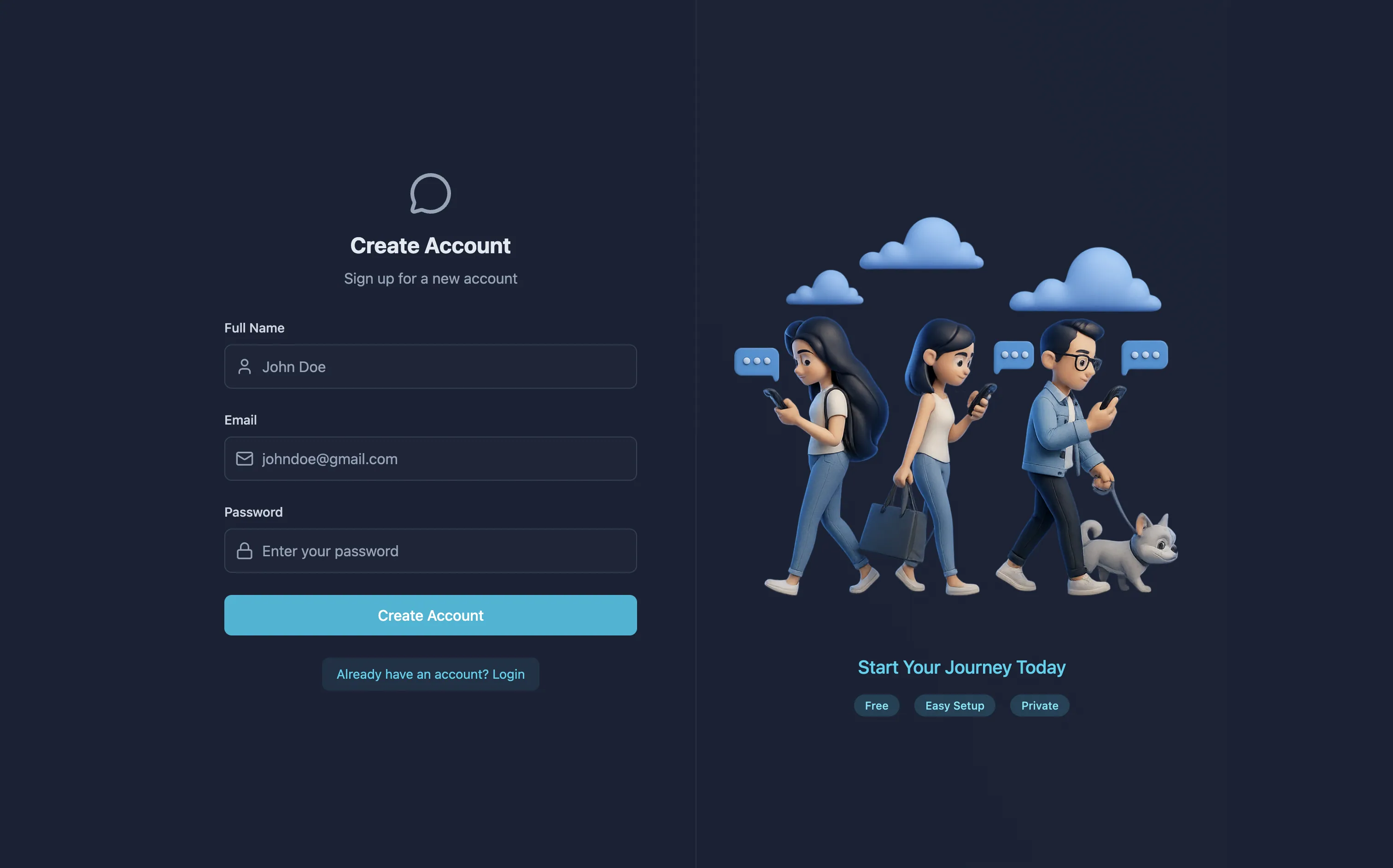
Overview
RapidChat is a full-stack MERN real-time messaging app: registered users discover contacts, start 1:1 conversations, and exchange text or image messages instantly. Presence (who's online), delivery, and notifications all ride over Socket.IO — the REST API only handles the heavier lifting (auth, profile uploads, message persistence).
Authentication is cookie-based JWT, uploads land on Cloudinary, welcome emails go out through Resend, and every auth/message route is guarded by Arcjet against bots and abuse.
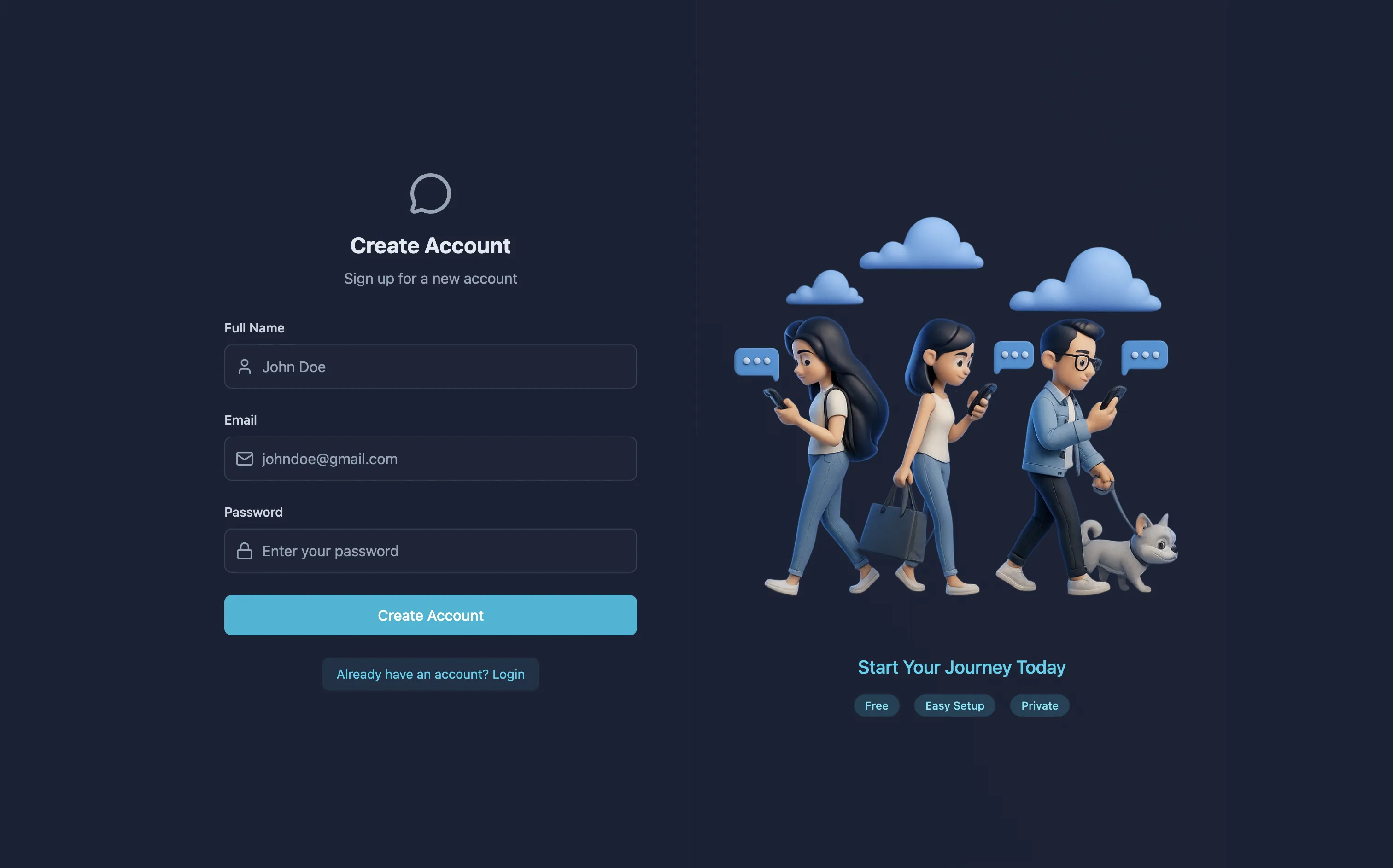
The RapidChat interface — contacts/chats sidebar on the left, an active conversation with text and image messages on the right.
One JWT, two transports
The same jwt httpOnly cookie authenticates both worlds: Express reads it
for every REST request via protectRoute, and Socket.IO reads the exact
same cookie during the WebSocket handshake via a dedicated
socketAuthMiddleware. There's no separate socket token to issue or
refresh — one login, one cookie, both connections trust it.
Core Features
Socket.IO-Driven Delivery
- Instant delivery —
sendMessagepersists to MongoDB, then emitsnewMessagestraight to the receiver's socket if they're online, via auserSocketMaplookup. - Online presence — every connect/disconnect re-broadcasts
getOnlineUsers(an array of online user IDs) to all connected clients. - Optimistic UI — the sender's message appears in
useChatStorebefore the server confirms it, so the chat never feels laggy. - Sound notifications — an optional notification chime plays on incoming messages, gated by a
localStorage-persisted toggle.
Hardened by Default
- JWT in an httpOnly cookie — issued on signup/login by
generateToken, verified on every request byprotectRoute, and re-verified on every socket handshake bysocketAuthMiddleware. - bcrypt password hashing — passwords are never stored in plaintext; login compares against the hash.
- Arcjet on every auth + message route — bot detection, shield (attack) protection, and rate limiting run before any handler logic executes.
- Persistent sessions — on app boot, the client calls
GET /auth/checkto rehydrate the logged-in user from the cookie.
React 19 + Zustand
useAuthStore— ownsauthUser, the socket instance, andonlineUsers;connectSocket/disconnectSocketmanage the Socket.IO client lifecycle alongside auth state.useChatStore— owns contacts, chats, messages, the active tab, and the selected user; subscribes tonewMessageand drives the optimistic send.- Contacts vs. Chats tabs — browse every registered user, or narrow to just the people you've actually messaged.
- Cloudinary media — profile pictures and chat images are sent as base64 and stored as Cloudinary URLs on the
User/Messagedocuments.
Technology Stack
Frontend
React 19, Vite 7, React Router 7, Zustand, Axios (withCredentials),
Tailwind CSS 3 + daisyUI, lucide-react, and react-hot-toast.
Backend & Database
Node.js + Express 4 (ES modules), MongoDB via Mongoose 8, jsonwebtoken, bcryptjs, cookie-parser, cors, and dotenv.
Realtime Layer
Socket.IO 4 on the server, sharing the same HTTP server as Express, and
socket.io-client on the frontend.
Infrastructure
Cloudinary (media uploads), Resend (transactional welcome emails), and
Arcjet (@arcjet/node) for bot/shield/rate-limit protection.
Architecture
Express and Socket.IO are mounted on the same HTTP server (backend/lib/socket.js), so REST and WebSocket traffic share one origin and one JWT cookie.
Authenticate
POST /api/auth/login verifies the bcrypt hash and sets a jwt httpOnly
cookie via generateToken. Because cookies travel with any request to
the same origin, the Socket.IO client's handshake carries that cookie
automatically — socketAuthMiddleware verifies it and attaches
socket.user / socket.userId before the connection is accepted.
Track presence
On connection, the server maps userId → socket.id inside an
in-memory userSocketMap and re-broadcasts getOnlineUsers (the full
list of online user IDs) to every connected client. The same
re-broadcast happens on disconnect, after removing the entry.
Send & deliver a message
POST /api/messages/send/:id runs through arcjetProtection and
protectRoute, saves the Message document to MongoDB, looks up the
receiver's socket via getReceiverSocketId, and — if they're online —
emits newMessage directly to that socket. The frontend already showed
the message optimistically, so the receiver's useChatStore is the only
side that reacts to the event.
Data Models
| Model | Field | Type | Notes |
|---|---|---|---|
| User | email | String | required, unique |
fullName | String | required | |
password | String | required, min 6 (bcrypt hash) | |
profilePic | String | Cloudinary URL, default "" | |
| Message | senderId | ObjectId | ref User, required |
receiverId | ObjectId | ref User, required | |
text | String | trim, maxlength 2000 | |
image | String | Cloudinary URL |
REST API Reference
| Method | Path | Auth | Body | Description |
|---|---|---|---|---|
| POST | /api/auth/signup | — | { fullName, email, password } | Create account, sets JWT cookie, fires welcome email |
| POST | /api/auth/login | — | { email, password } | Verify credentials, sets JWT cookie |
| POST | /api/auth/logout | — | — | Clear the jwt cookie |
| GET | /api/auth/check | ✅ | — | Return the current authenticated user |
| PUT | /api/auth/update-profile | ✅ | { profilePic } (base64) | Upload avatar to Cloudinary |
| Method | Path | Body | Description |
|---|---|---|---|
| GET | /api/messages/contacts | — | All users except the current user |
| GET | /api/messages/chats | — | Users the current user has exchanged messages with |
| GET | /api/messages/:id | — | Full conversation with user :id |
| POST | /api/messages/send/:id | { text?, image? } | Create a message, emit newMessage if the receiver is online |
Every route above runs through arcjetProtection; message routes additionally require protectRoute.
Project Structure
Getting Started
cd backend
cp .env.example .env     # fill in Mongo/JWT/Cloudinary/Resend/Arcjet values
pnpm install
pnpm dev                 # nodemon → http://localhost:8080
cd frontend
cp .env.example .env # set VITE_API_BASE_URL
pnpm install
pnpm dev # vite → http://localhost:5173Visit http://localhost:5173, sign up, and start chatting — open a second browser or profile to see realtime delivery and presence update live.
Frequently Asked Questions
See it in action
Try the realtime messaging, online presence, and image sharing yourself at the Live Application.