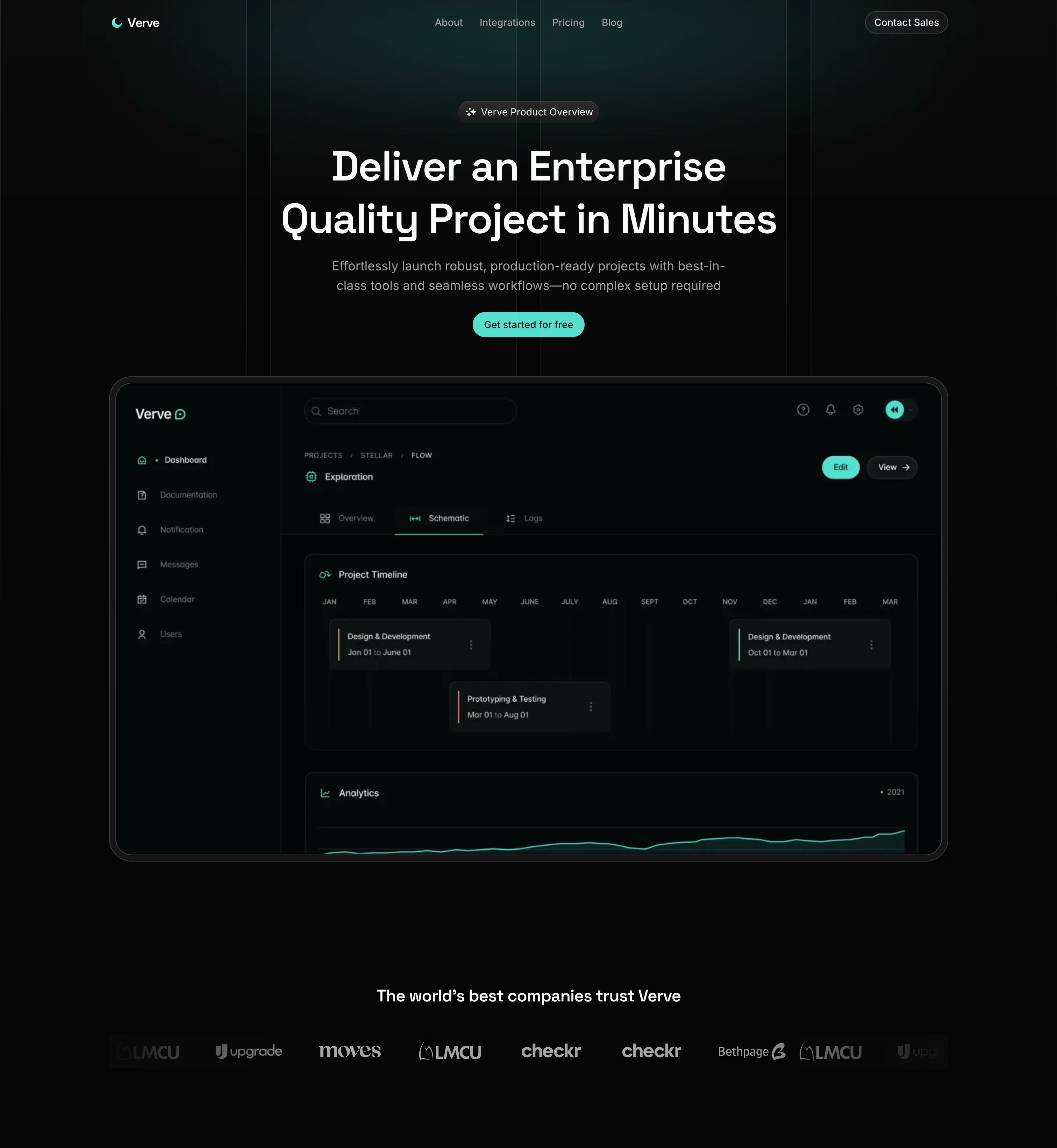
Overview
Verve is a polished, production-ready marketing website built with Next.js 15, React 19, Tailwind CSS v4, and shadcn/ui. It's a complete landing-page experience for a SaaS / design-tooling product — a homepage plus five supporting marketing routes (About, Pricing, Integrations, Blog, Contact) — but it's equally designed to work as a reusable template: every section is composed from typed constants, modular components, and a fully-typed codebase, so rebranding or extending the site never means touching JSX.
Every section is responsive, animated with Framer Motion, and driven by centralized data. The interactive surface — dialogs, dropdowns, accordions, carousels, tooltips, forms — is built on shadcn/ui primitives powered by Radix UI, so accessibility comes for free.
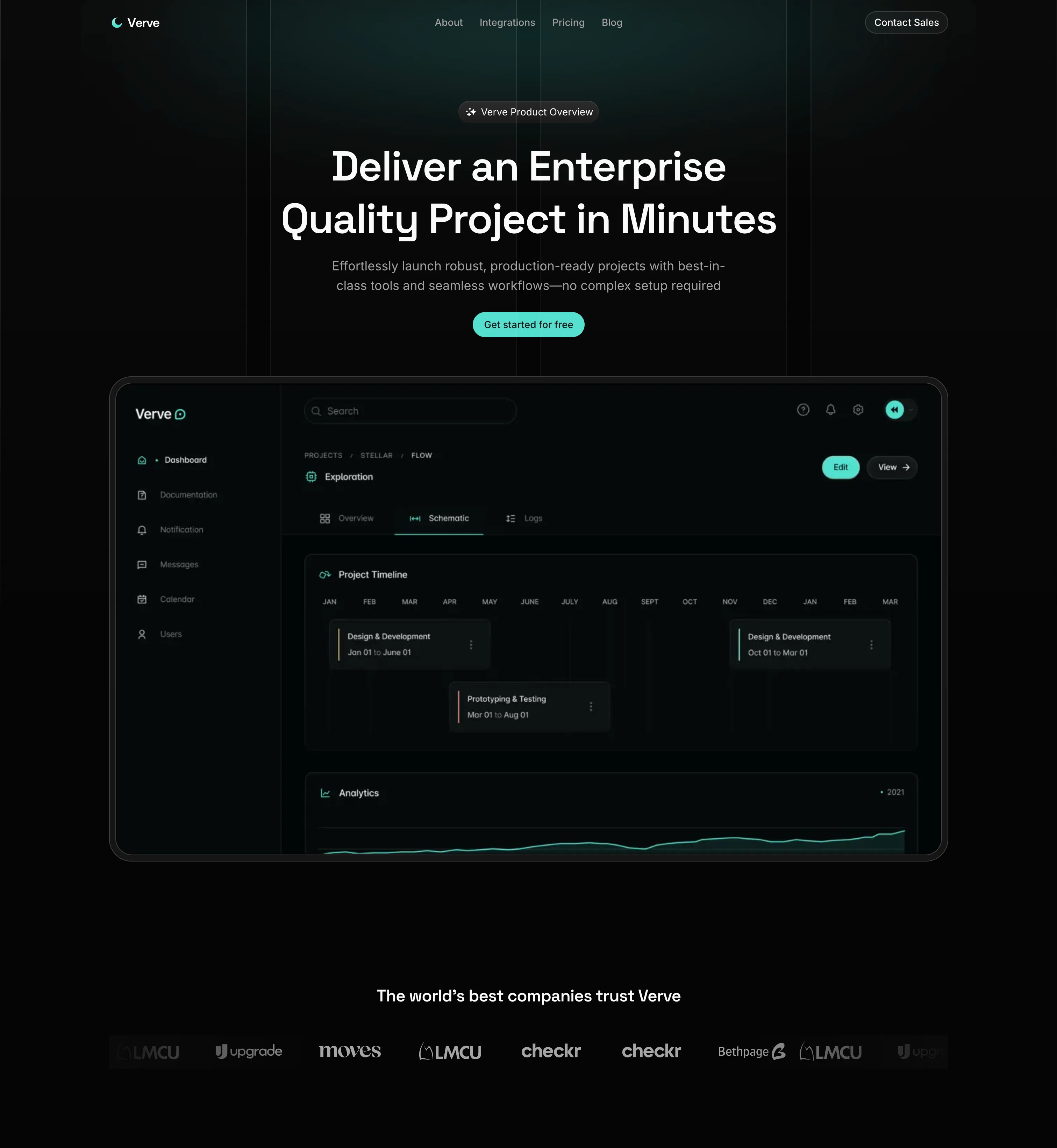
The Verve homepage hero — the first of nine section-level components composed on /.
Content-as-data, not content-in-JSX
Every piece of copy on the site — features, pricing tiers, FAQs, stats,
testimonials, blog cards, nav links — is stored as a typed constant under
src/constants/ and re-exported from a single index.ts. Components stay
purely presentational, and updating the site's content never requires
touching a single .tsx file. All public routes also live inside one
(marketing) route group, so the shared navbar/footer shell stays
consistent while URLs stay clean (/about, not /marketing/about).
Tech Stack
- Next.js 15.3 — App Router, server components, metadata API, and image optimization * React 19 — latest concurrent features and hooks * TypeScript 5 — strict typing across the entire codebase
- Tailwind CSS v4 — utility-first styling via the new
@tailwindcss/postcssplugin, plustw-animate-cssfor animation utilities * shadcn/ui & Radix UI primitives — accordion, alert-dialog, avatar, carousel, command (cmdk), dialog, drawer (vaul), dropdown-menu, navigation-menu, popover, select, sheet, sidebar, tabs, toast (sonner), tooltip, and more * class-variance-authority (CVA) — typed variant APIs for primitives likeButtonandBadge* clsx & tailwind-merge — safe conditional className merging via acn()helper * next-themes — dark-mode plumbing (the site ships in dark mode by default) * lucide-react — icon set used across the site * embla-carousel-react, react-day-picker, input-otp, react-resizable-panels, recharts — supporting shadcn primitives (carousels, date picker, OTP input, resizable panels, charts)
- Framer Motion v12 — section animations, staggered entrances, and
hover layout effects * Number Flow (@number-flow/react) — cinematic
number transitions for pricing and stats * React Hook Form & Zod —
type-safe form validation pipeline, bridged via
@hookform/resolvers* pnpm & ESLint 9 — fast installs and strict linting viaeslint-config-next
Feature Breakdown
Dynamic Homepage
Nine composed sections — hero, companies marquee, how-it-works, feature grid, FAQ accordion, animated stats, testimonials, blog previews, and a closing CTA.
Constants-Driven Data
All layout copy, plans, and links are extracted to src/constants/,
enforcing a clean separation between content and JSX.
Validated Forms
The contact form pairs react-hook-form with a Zod schema and surfaces
inline errors plus sonner success/error toasts.
Animated Pricing & Stats
Pricing tiers and homepage stat counters both animate via
@number-flow/react, including a monthly/annual toggle on the pricing
page.
Component Architecture
The presentation layer is organized by concern, into three tiers:
components/ui/ — the atoms
Low-level, reusable primitives generated via shadcn/ui. Every Radix
package in package.json has a matching file here (accordion, dialog,
dropdown-menu, form, select, sheet, sidebar, tabs, tooltip, and more) —
the atomic structural blocks for the rest of the UI.
components/global/ — the shell
App-wide building blocks: Container and Wrapper for consistent
max-widths and spacing, Icons, and the root Providers component that
mounts next-themes and the sonner toast portal.
components/marketing/ and page-specific folders — the layouts
Section-level components for the homepage and shared chrome (navbar,
mobile menu, footer, hero, companies, how-it-works, features, FAQ, stats,
testimonials, blogs, CTA), plus a dedicated
components/{about,pricing,integrations,blog,contact}/ folder per route
so each page's sections stay isolated.
This three-tier layout (ui primitives → global shell → page sections) makes it straightforward to add a new marketing page: create a folder under components/, build its sections, then compose them in the matching src/app/(marketing)/<route>/page.tsx.
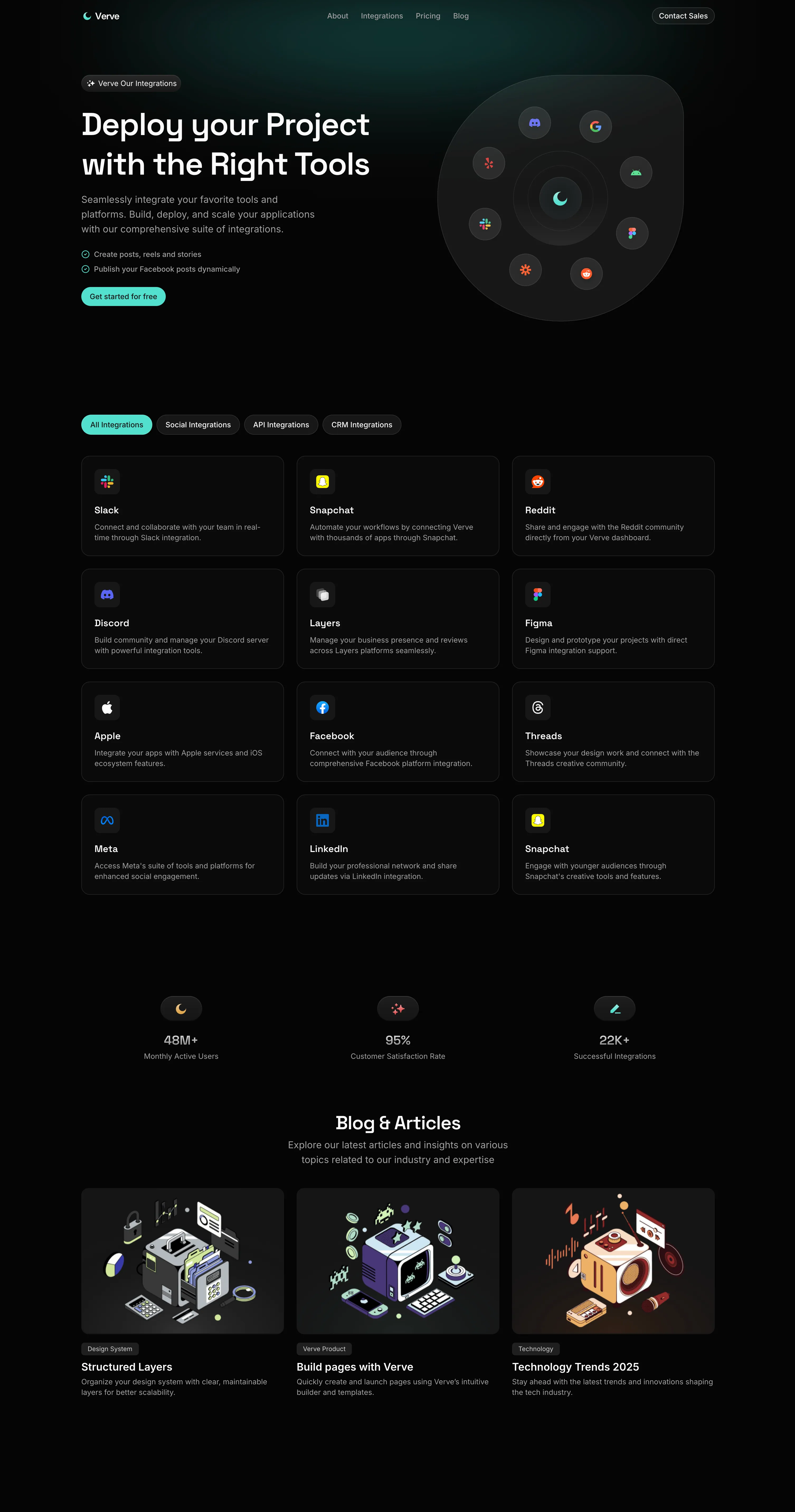
A marketing section rendered entirely from typed constants — no copy is hard-coded in the component itself.
Pages & Routes
All public pages live inside the (marketing) route group, which shares a common layout (navbar + footer). The route group keeps URLs clean — e.g. /about, not /marketing/about.
| Route | Purpose |
|---|---|
/ | Homepage — hero, logos, how-it-works, features, FAQ, stats, testimonials, blogs, CTA |
/about | About page — hero, our story, our mission, our start |
/pricing | Pricing page — pricing hero (with plans) + pricing FAQ |
/integrations | Integrations page — hero + integrations grid |
/blog | Blog listing — hero + blog grid |
/contact | Contact page — hero + validated contact form |
Content & Data Layer
All copy, plans, links, and cards are stored as typed constants under src/constants/ and re-exported from src/constants/index.ts. Updating the site's content never requires touching JSX — you just edit one of these files:
| File | What it contains |
|---|---|
features.ts | Feature grid items (title, description, icon) |
pricing.ts | Pricing plans, tiers, and feature lists |
faqs.ts | Homepage FAQ entries (FAQS) and pricing questions (QUESTIONS) |
stats.ts | Animated stat counters |
testimonials.ts | Customer testimonial quotes |
blogs.ts | Blog preview cards |
mission.ts | About-page mission values |
integrations.ts | Integration grid entries |
contact.ts | Contact cards (address, email, phone) |
links.ts | Navigation (NAV_LINKS), product (PRODUCT_LINKS), and resource (RESOURCES_LINKS) link sets |
fonts.ts | Base + heading font loaders (next/font) |
Styling & theming, briefly
Dark mode ships by default — the root <body> carries the dark class and
a near-black #050505 background. A cn() helper (src/lib/helpers.ts,
clsx + tailwind-merge) keeps conditional classes conflict-free, CVA
defines typed variants on primitives like Button, and a single Providers
component mounts next-themes and the global sonner toaster. SEO is
handled by a reusable generateMetadata() helper (src/utils/metadata.ts)
that applies a default title from NEXT_PUBLIC_APP_NAME, a thumbnail image,
and favicons — each page can override it.
Project Structure
Getting Started
Requires Node.js 20+ and pnpm (this repo ships pnpm-lock.yaml and pnpm-workspace.yaml).
bash pnpm install bash pnpm dev Starts the dev server at http://localhost:3000.
bash pnpm build Then pnpm start to serve the production build, or
pnpm lint to run ESLint across the project.
A single environment variable is referenced today — set it in .env.local:
NEXT_PUBLIC_APP_NAME="Verve"NEXT_PUBLIC_APP_NAME feeds generateMetadata() to build the default <title> tag. Any additional public variables should keep the NEXT_PUBLIC_ prefix so they're exposed to the client.
Frequently Asked Questions
See it in action
Explore the live site at verve.naseemkhan.dev to see the animated homepage sections, pricing toggles, and the validated contact form in action.